Calendula is named after the flower whose name — like the word *calendar* —
comes from the Latin *kalendae*, the first day of the month. It lives
entirely on top of Android's `CalendarContract`: any calendar synced to your
device (CalDAV via DAVx5, Google, local, WebCal subscriptions, …) simply
appears, and everything you create or edit syncs back the same way. No own
database, no sync stack reinvented.
## ✨ Features
**Calendar**
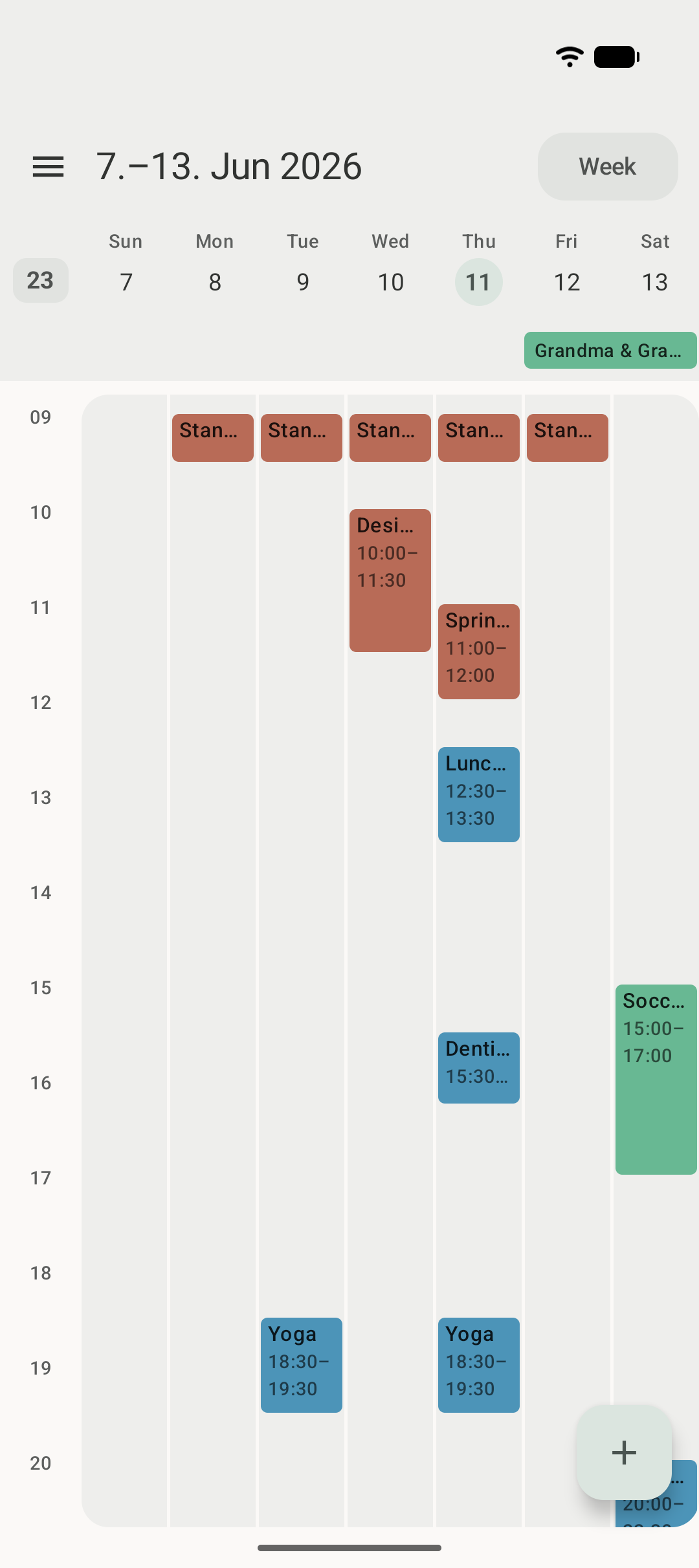
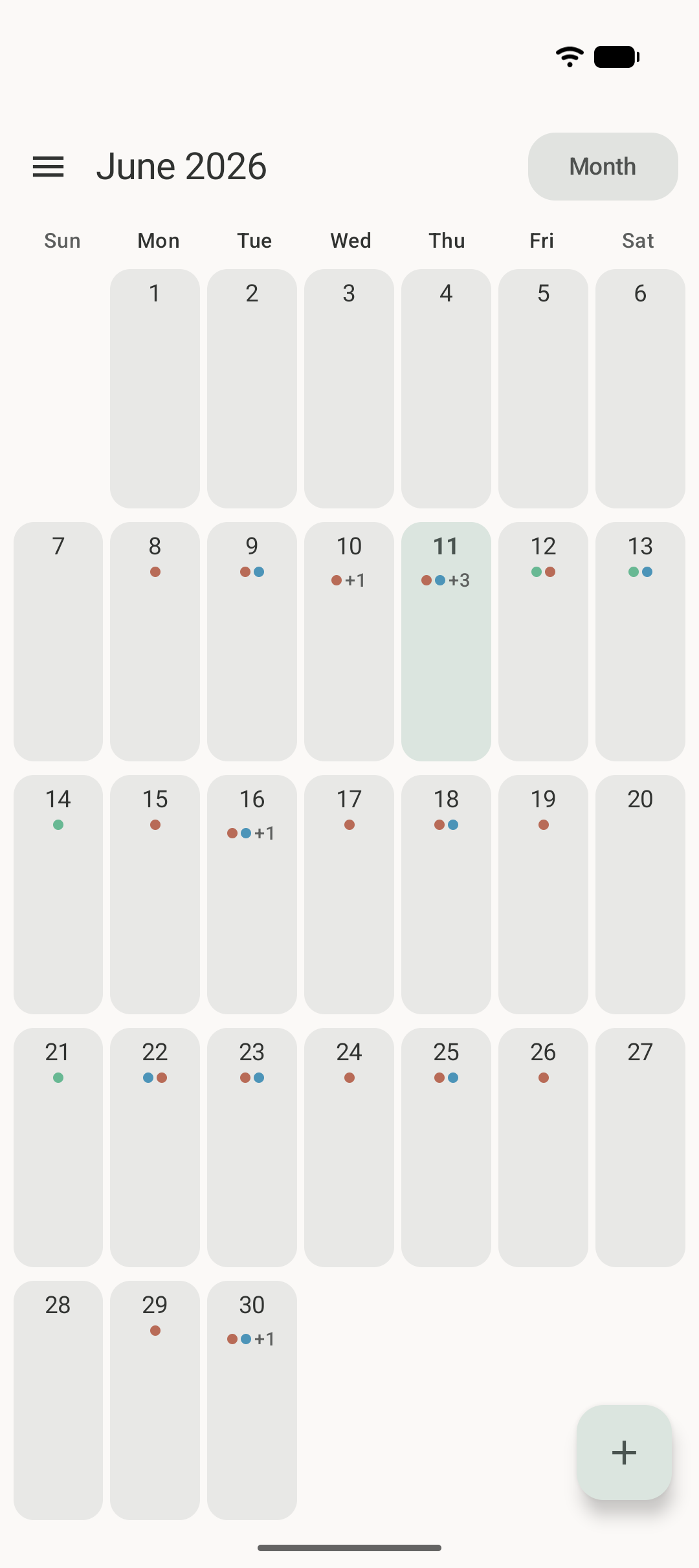
- Month, week, and day views with a one-tap view switcher
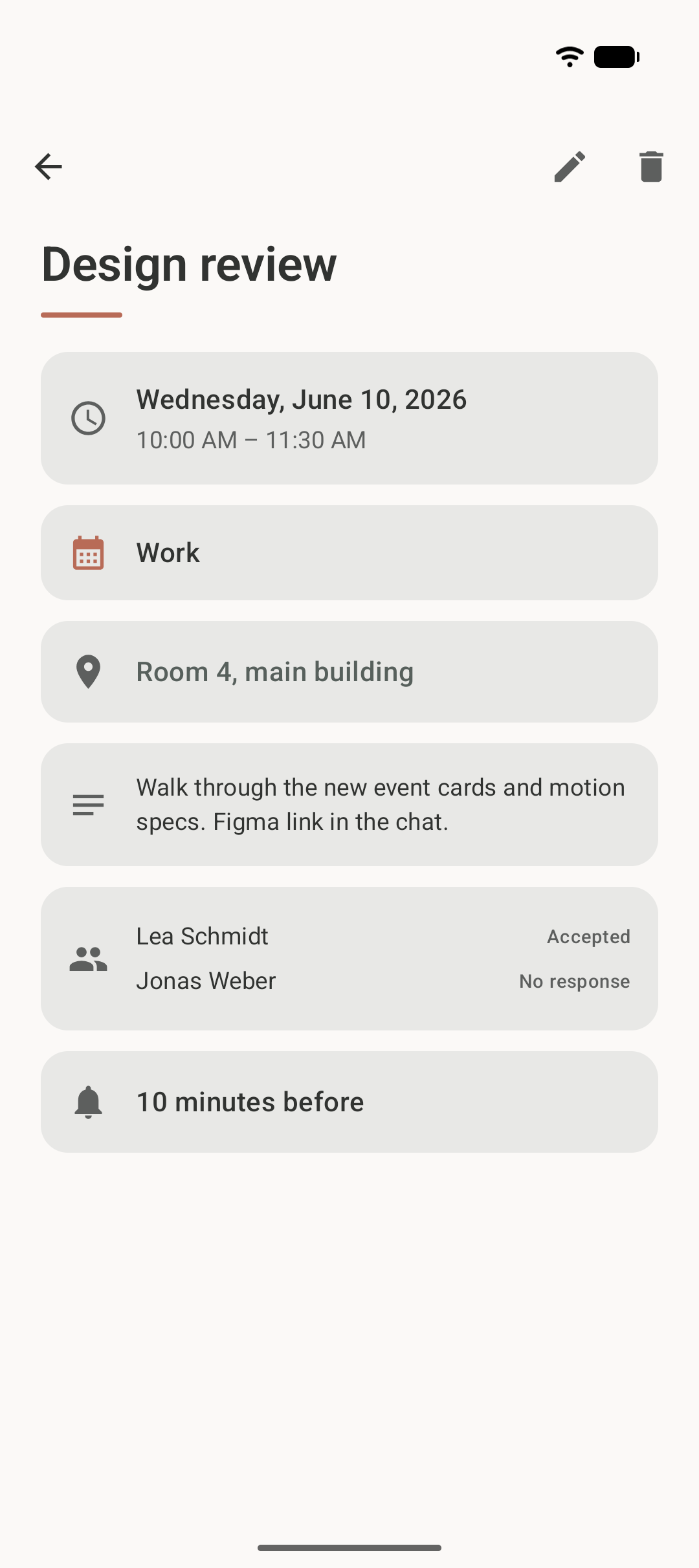
- Full event details — attendees and their responses, reminders, recurrence
(humanized), availability, visibility, foreign time zones
- Per-calendar visibility toggle, grouped by account
**Editing**
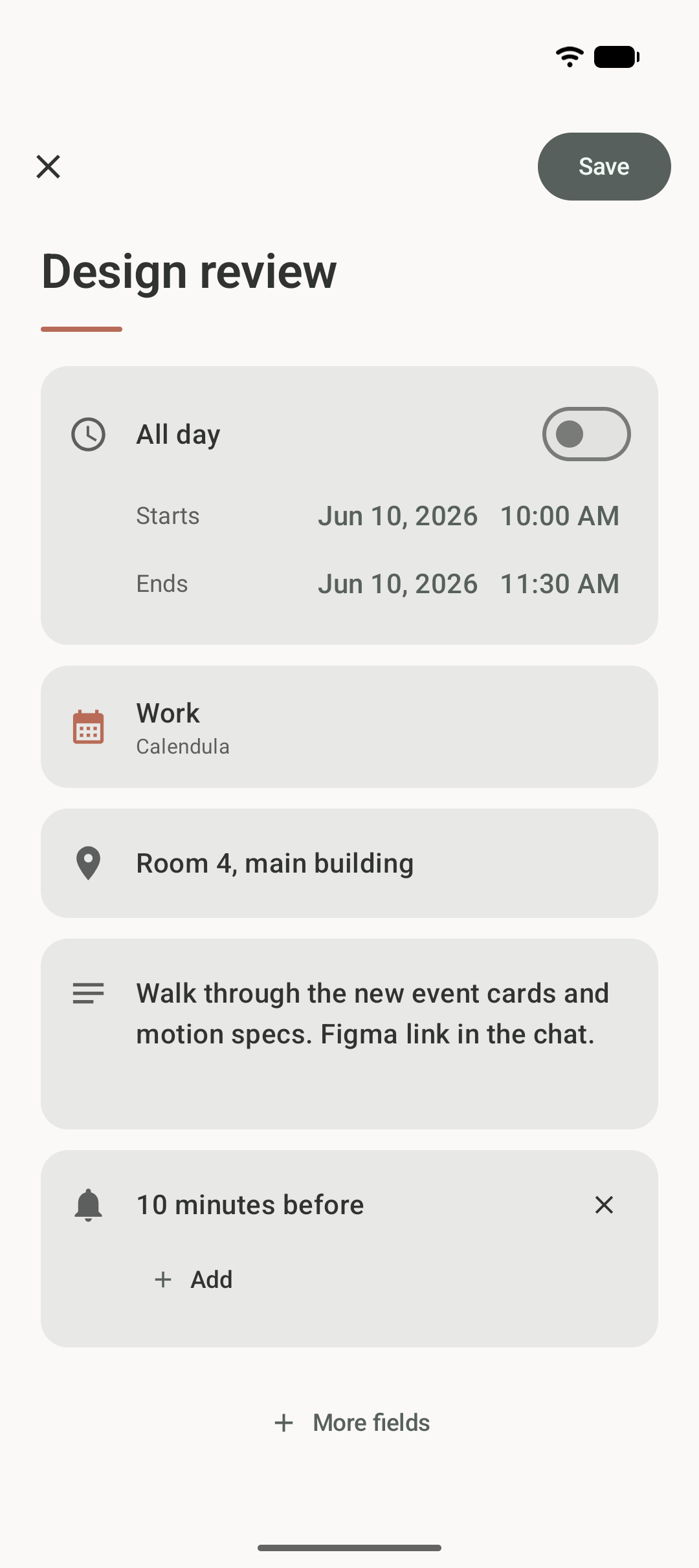
- Create, edit, and delete events — including recurring events with scoped
writes: *only this event*, *this and all following*, or *the whole series*
- Recurrence picker with one-tap presets and custom rules (interval, weekday
toggles, end conditions); rules it can't express are preserved verbatim
- Conflict-safe saves: if an event changed elsewhere while you were editing,
Calendula asks instead of silently overwriting
- Read-only calendars (WebCal, birthdays) are detected and respected
**Reminders**
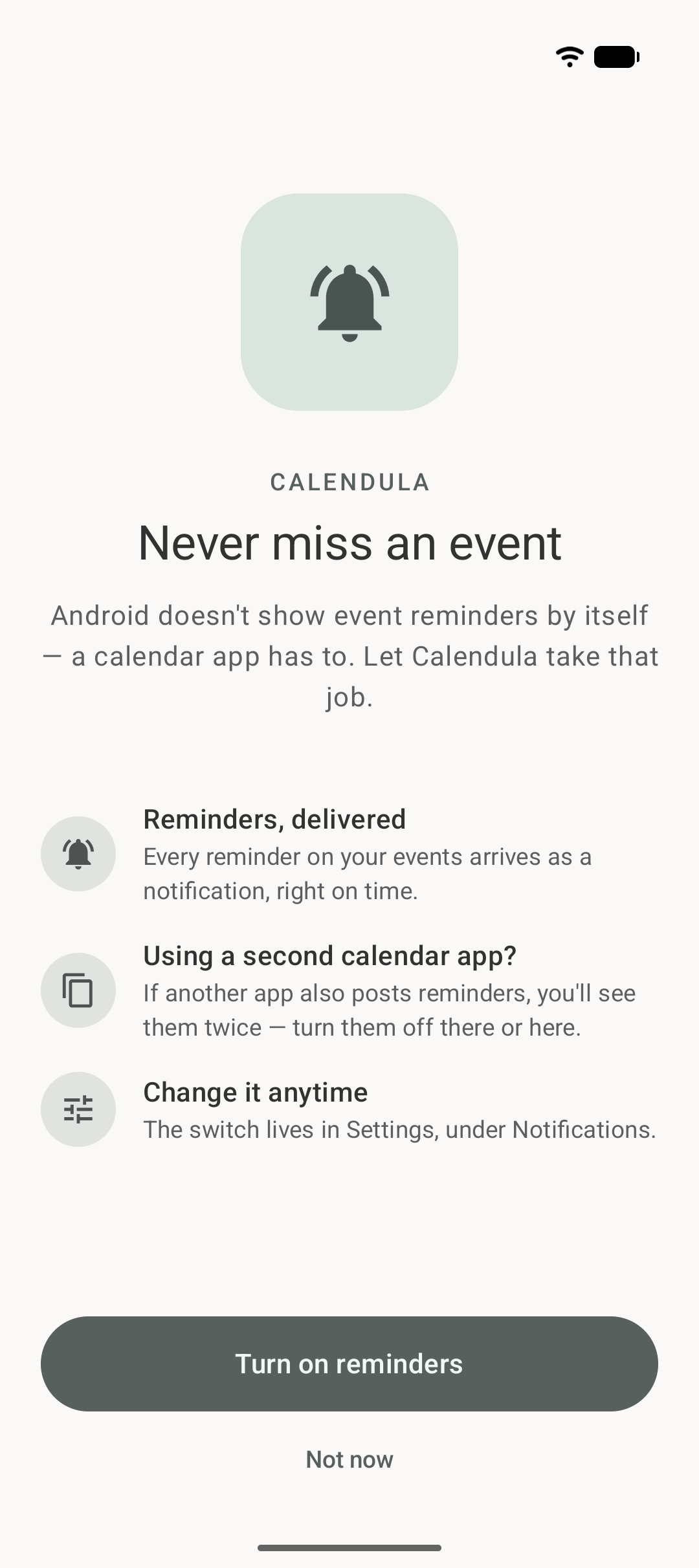
- Event reminders delivered by Calendula itself as notifications —
essential when it's your only calendar app, since Android delegates
reminder delivery to calendar apps
- Tap a reminder to land on the event
**Design & privacy**
- Real Material 3 Expressive throughout — dynamic color (Android 12+),
expressive motion and shapes, light/dark theme
- German and English UI, per-app language setting
- **Zero telemetry, zero analytics, no internet permission** — your data
never leaves the device
## 📦 Install
Calendula ships through a self-hosted F-Droid repository; every version tag
is built, signed, and published there automatically.
1. Install an F-Droid client ([F-Droid](https://f-droid.org), Droid-ify, Neo
Store, …).
2. Add the repository — open this link on your phone, or paste it under
*Settings → Repositories → Add*:
```
https://apps.dev.jeanlucmakiola.de/dev/fdroid/repo?fingerprint=968F796B05DF622BBE18AD6FC1D1EF788D5A6DA1FF05BBEC6B7043BF10A09465
```