Calendula is named after the flower whose name — like the word *calendar* —
comes from the Latin *kalendae*, the first day of the month. It lives
entirely on top of Android's `CalendarContract`: any calendar synced to your
device (CalDAV via DAVx5, Google, local, WebCal subscriptions, …) simply
appears, and everything you create or edit syncs back the same way. No own
database, no sync stack reinvented.
## ✨ Features
**Calendar**
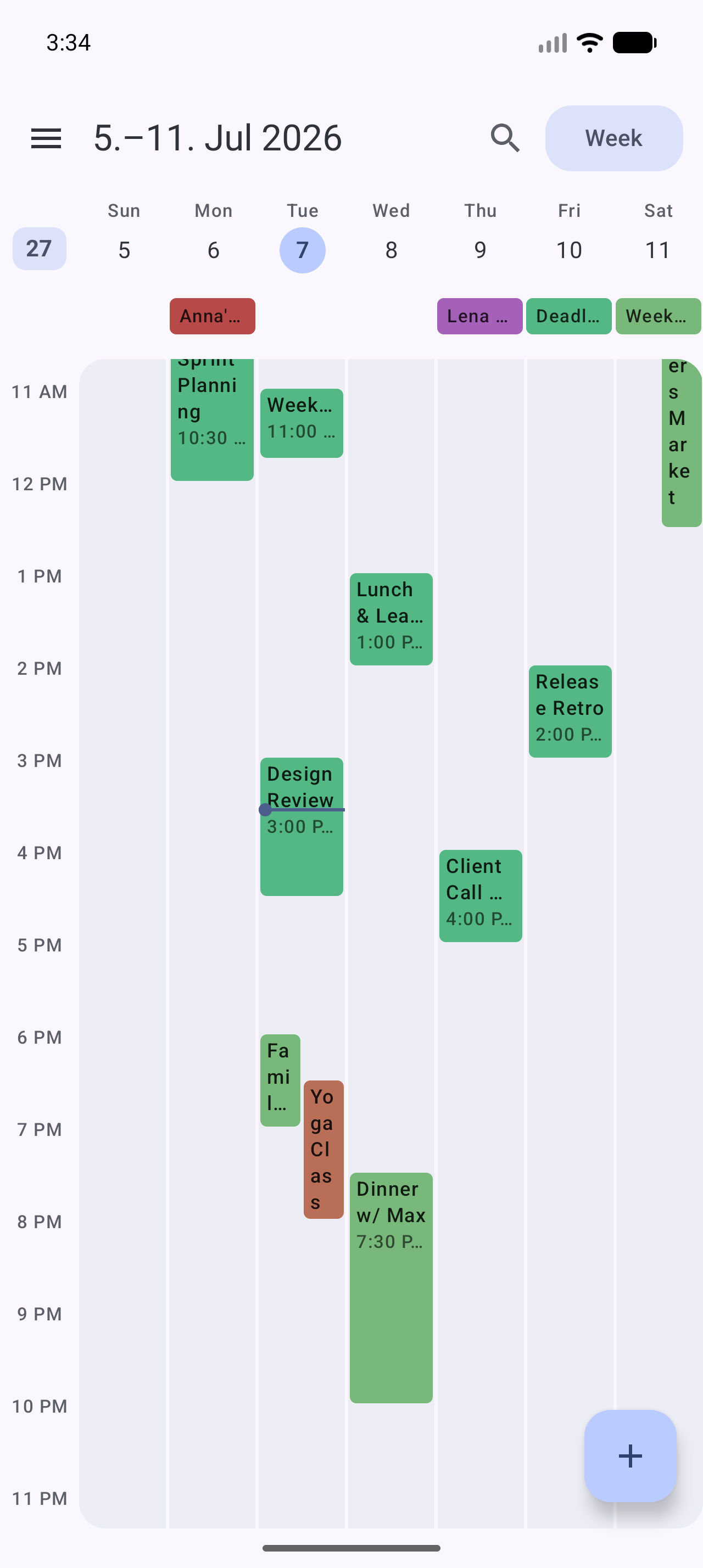
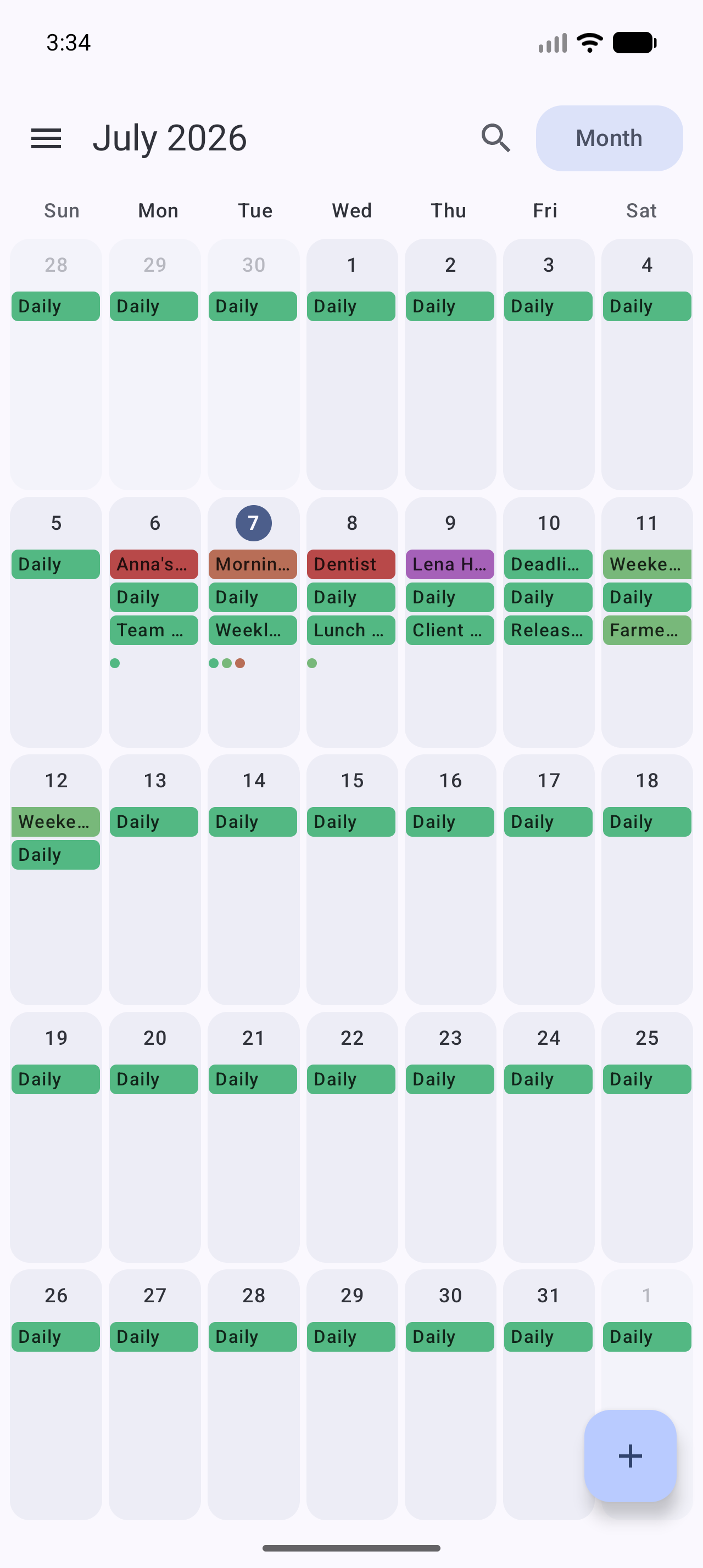
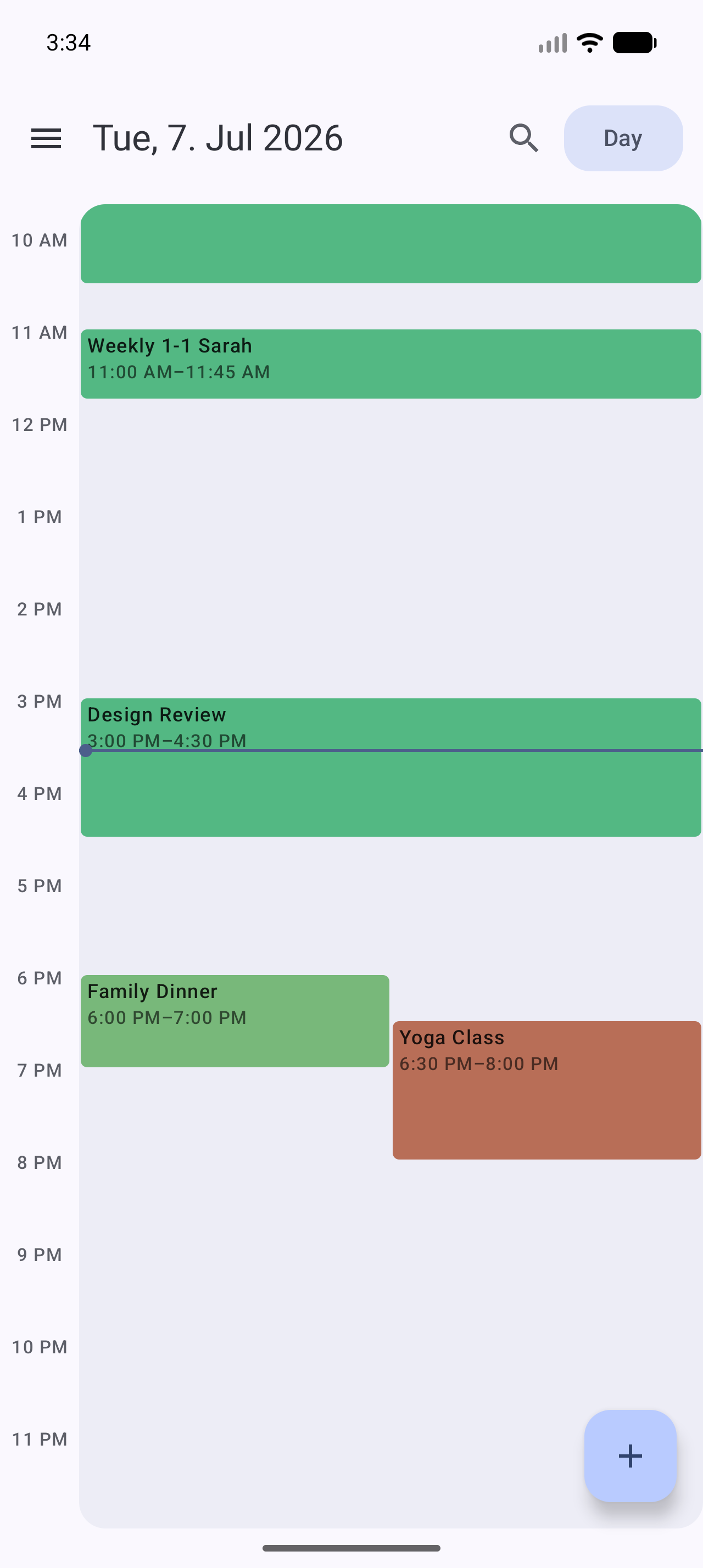
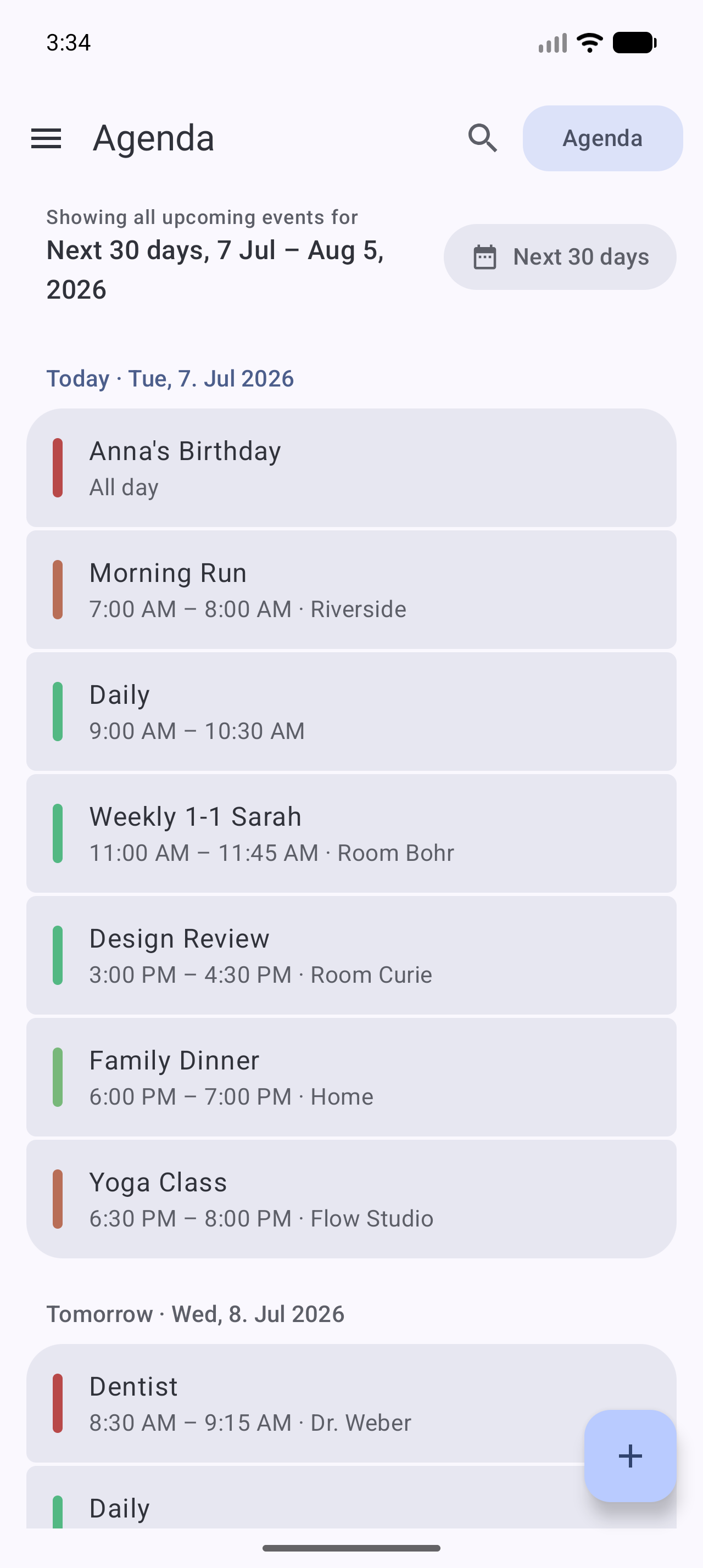
- Month, week, and day views with a one-tap view switcher
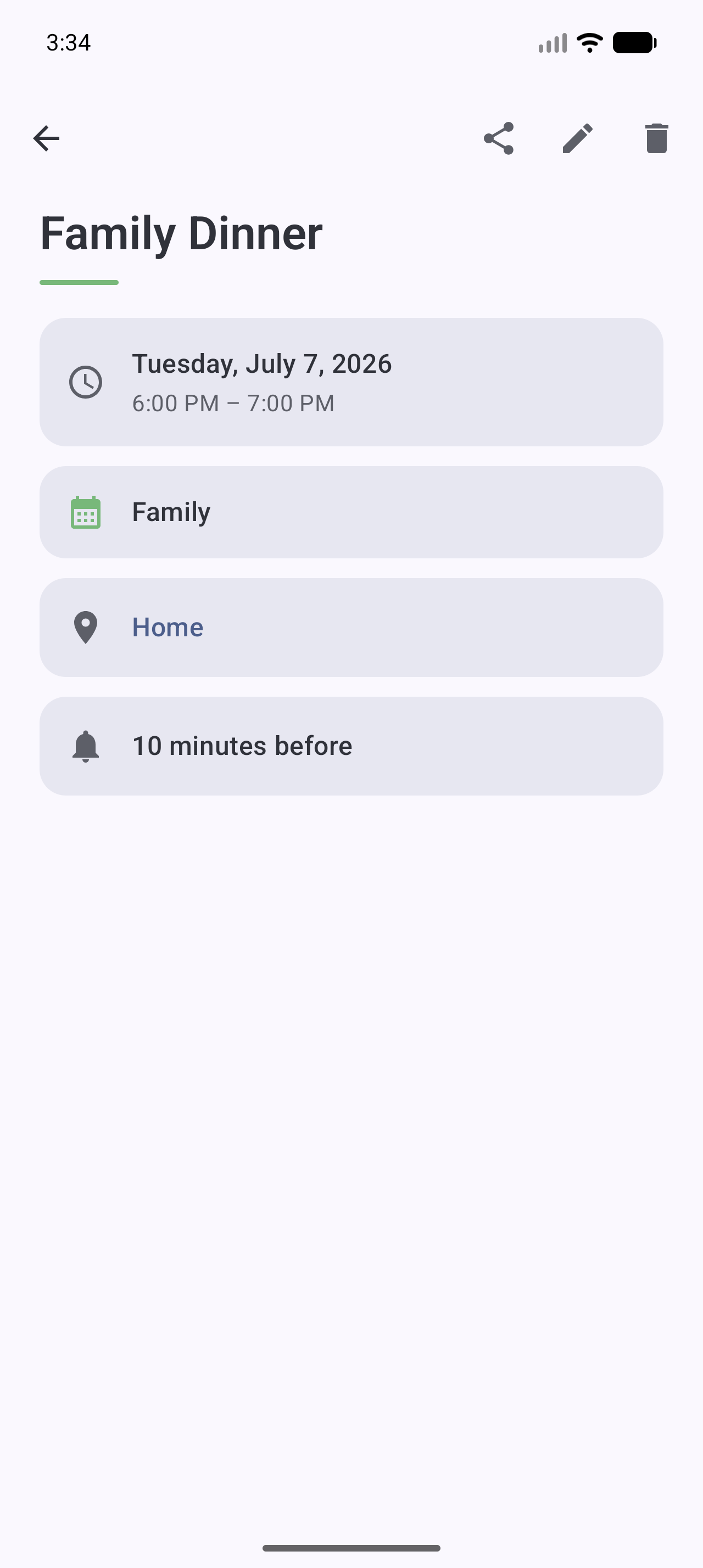
- Full event details — attendees and their responses, reminders, recurrence
(humanized), availability, visibility, foreign time zones
- Per-calendar visibility toggle, grouped by account
**Editing**
- Create, edit, and delete events — including recurring events with scoped
writes: *only this event*, *this and all following*, or *the whole series*
- Recurrence picker with one-tap presets and custom rules (interval, weekday
toggles, end conditions); rules it can't express are preserved verbatim
- Conflict-safe saves: if an event changed elsewhere while you were editing,
Calendula asks instead of silently overwriting
- Read-only calendars (WebCal, birthdays) are detected and respected
**Reminders**
- Event reminders delivered by Calendula itself as notifications —
essential when it's your only calendar app, since Android delegates
reminder delivery to calendar apps
- Tap a reminder to land on the event
**Design & privacy**
- Real Material 3 Expressive throughout — dynamic color (Android 12+),
expressive motion and shapes, light/dark theme
- English and German UI plus community translations (Spanish, French, Italian,
Polish, and more in progress), per-app language setting — and [open to more
languages](#-translations)
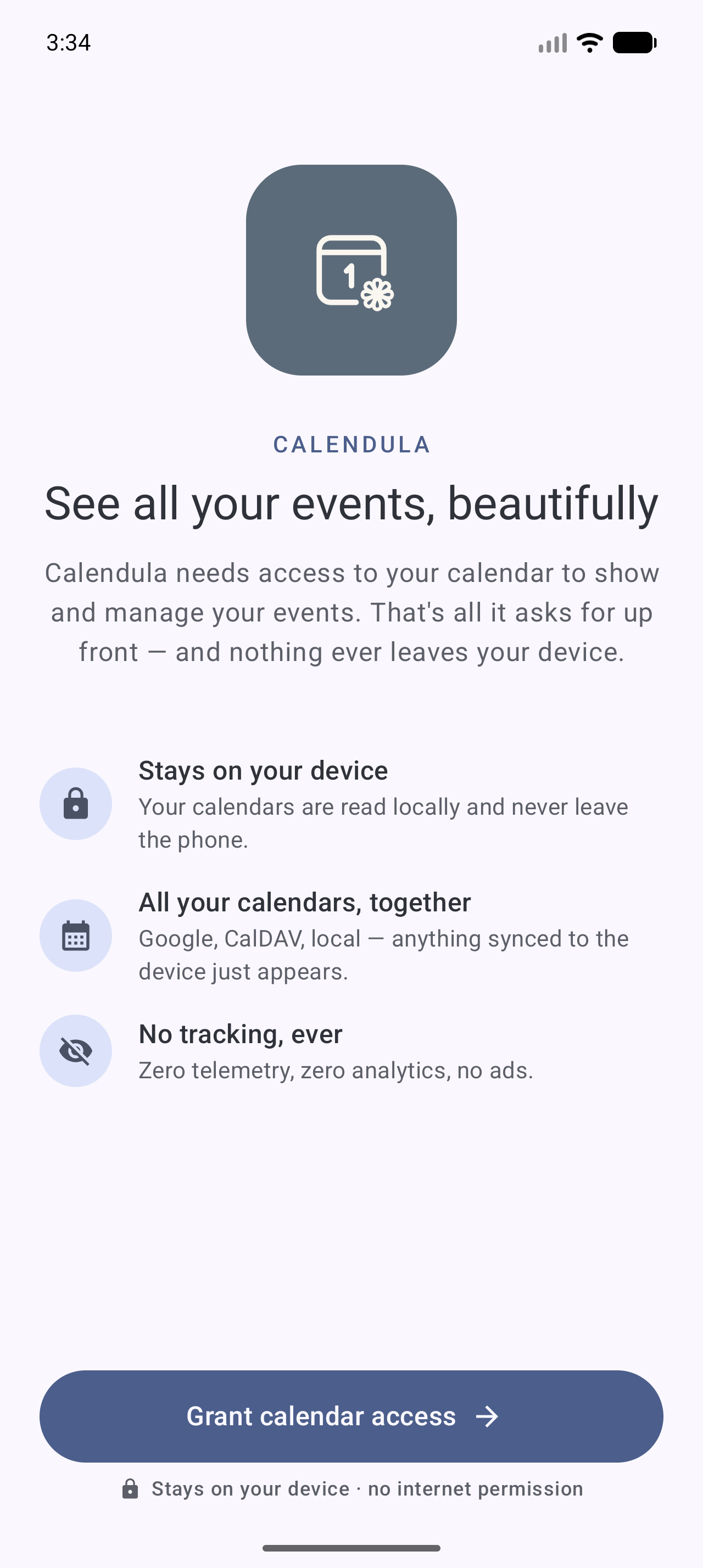
- **Zero telemetry, zero analytics, no internet permission** — your data
never leaves the device
## 📦 Install
Pick whichever channel you already use — they all install the same app:
| Channel | Updates | Notes |
| --- | --- | --- |
| [Official F-Droid](#f-droid-recommended) | On F-Droid's build schedule | Recommended; no extra setup |
| [Self-hosted F-Droid repo](#self-hosted-f-droid-repo-fastest-updates) | Minutes after a release | Fastest; needs the repo added once |
| [Codeberg release / Obtainium](#codeberg-release--obtainium) | Per release | Plain APK download, or automated by Obtainium |
| [Google Play](#google-play-coming-soon) | — | Coming soon |
| [Build from source](#build-from-source) | Whenever you build | Full control |
### F-Droid (recommended)
Calendula is on the **official [F-Droid](https://f-droid.org) repository** —
just search for **Calendula** in any F-Droid client, or
[install it from f-droid.org](https://f-droid.org/packages/de.jeanlucmakiola.calendula/).
F-Droid rebuilds from source on its own schedule, so a new version usually
shows up there a few days after release.
### Self-hosted F-Droid repo (fastest updates)
Every release is built, signed, and published to a self-hosted F-Droid
repository as part of the release pipeline, so it lands there first. Add it once
and your F-Droid client handles updates from then on:
1. In your F-Droid client, open *Settings → Repositories → Add* (or open the
link below on your phone):
```
https://apps.dev.jeanlucmakiola.de/dev/fdroid/repo?fingerprint=C2C0640402BF458FC0ED957AF0B37AA4C14022E72F89CE90B5965B458CF73425
```